Your reps live in Zoho CRM, so it feels natural to load the new list into Zoho and have them click-to-call down it. For warm leads they already own, that works. For a bought, aged or cold list, it quietly wastes most of the day — and fills your CRM with thousands of records nobody will ever sell to.
Where a cold caller's hour actually goes
Click-to-call means a person does every step of every dial: open the next record, click, listen to it ring, decide what to do, log the outcome, move on. On a warm list most of those clicks become conversations. On a cold list most of them don't.
Most cold dials end one of four ways before anyone says hello:
- No answer or busy. The rep waits out the ring, then logs it by hand and remembers to try again later.
- Voicemail. The rep listens to the greeting and decides whether to leave a message.
- A call screener. The phone answers for its owner and asks who's calling and why (more on this below).
- Wrong or dead number. Logged, and — if the rep remembers — never called again.
None of those minutes are selling. And because the rep chose each record by hand, the pace of the day is set by how fast one person can click, not by how many people are actually available to talk.
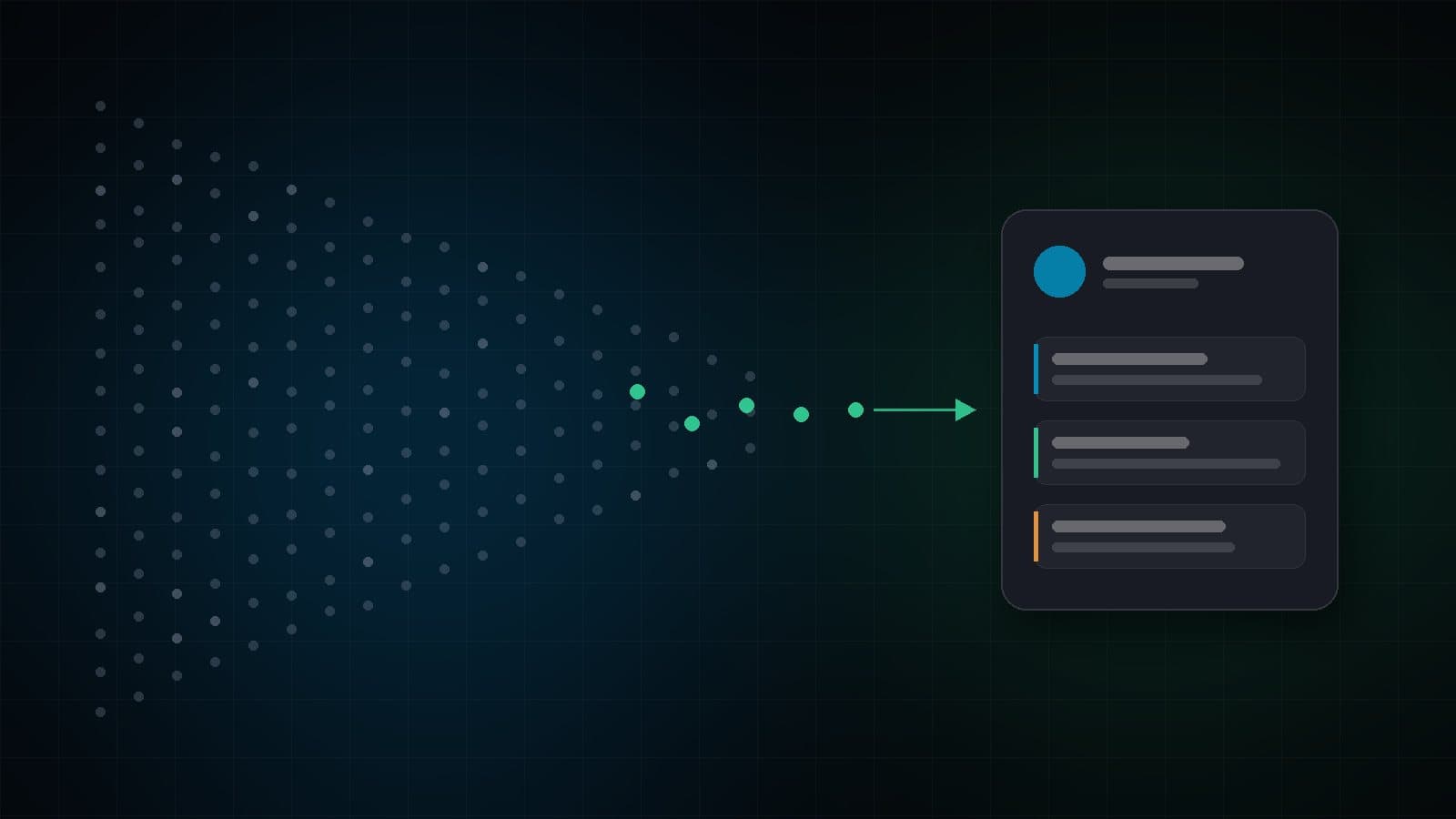
Let a dialer work the raw list — the no-answers, voicemails, screeners and retries — and send Zoho only the people an agent has actually qualified. Your sales team then works live opportunities in Zoho, not a list of numbers that never pick up.
Call screeners changed the maths
Unknown callers were already easy to ignore — eight in ten Americans told Pew they don't generally pick up for numbers they don't recognize. Now the phone doesn't just ignore you; it answers for its owner.
Google's Pixel phones have offered Call Screen for years, and since iOS 26 in fall 2025 iPhones can answer unknown callers automatically, ask for a name and reason, and let the owner see the answer before deciding whether to pick up. For a cold caller, that means a growing share of "answered" calls are a robot asking you to explain yourself.
With click-to-call, the rep has to give that introduction live, every time, and wait. A dialer can play a short recorded introduction to the screener — who you are, which company, why you're calling — and hand the call to an agent only if a person picks up.
Click-to-call, power or predictive: which fits your list
| Click-to-call from Zoho | Power (progressive) dialer | Predictive dialer | |
|---|---|---|---|
| Who picks the next number | The rep, one click at a time | The dialer, as soon as an agent is free | The dialer, ahead of agents, based on answer rates |
| Best for | Warm leads the rep already owns | Smaller or warmer lists; one call per agent | Large cold or aged lists with low answer rates |
| No answer / voicemail | The rep sits through it | Logged and retried automatically | Logged and retried automatically; agents mostly hear people |
| Call screeners | The rep explains live | Recorded intro, or prompt the agent | Recorded intro, or prompt the agent |
| Abandoned calls | None | None | Possible — keep the abandon rate under the legal cap |
| Where the list lives | In Zoho | In the dialer | In the dialer |
Predictive dialing places more calls than there are free agents, so when more people answer than expected someone gets an abandoned call. The FTC's Telemarketing Sales Rule caps abandoned calls at 3% of answered calls per campaign, measured over 30 days, so a predictive dialer needs an abandon-rate ceiling it actually enforces. Power dialing never abandons, which is why it's the safer default for smaller teams.
The hidden cost of cold data in Zoho
Importing a cold list "just to call it" has costs that show up later:
- Storage. Zoho CRM caps data storage by edition. Zoho's published limits put the Standard edition at 100,000 records and Professional at 5 GB (about 2.5 million records), so a few bought lists can use up a meaningful share of what you pay for.
- Clutter. Views, reports and dashboards fill with leads that never answered, and conversion rates look worse than the sales team actually is.
- Automation noise. Workflows, assignment rules and follow-up tasks fire on records that should never have been leads.
- Clean-up. Someone eventually has to find and delete the dead records — usually without being sure which ones are safe to remove.
None of these are problems with Zoho. They come from asking a CRM to do a dialer's job.
What a clean handoff into Zoho looks like
When the dialer works the list, the CRM should receive a lead the moment it's worth something — with enough context that the salesperson doesn't need to call the dialer team to ask what happened. A good handoff creates, for each qualified lead:
- The record — an existing Zoho Lead or Contact matched by phone number, or a new Lead with name, phone, email and company. Matching first, plus Zoho's own email duplicate check, keeps you from creating a second Lead for the same person.
- A completed call activity — start time, duration, outcome, agent and campaign, on the record's timeline.
- A note — the agent's wrap-up note and, where you use it, an AI-written call summary.
- The recording — a link back to the call, kept behind sign-in rather than made public.
And for numbers that are already in Zoho — renewals, old enquiries, existing customers — the agent should see the Zoho record on screen as the call connects, and the outcome should be written back to a field you choose, such as Lead Status.
How Connecta does it
Connecta is Hostcomm's cloud dialer, and it works exactly this way with Zoho CRM. Agents work raw lists in Connecta with predictive, power or preview dialing. Connecta retries no-answers on a schedule you set per outcome, can hang up on voicemail or leave a recorded message, and plays your introduction to iOS and Google call screeners (or prompts the agent to give it). When an agent marks a lead with one of the outcomes you choose — interested, callback requested, sale — it appears in Zoho with the call, the agent's notes, the AI call summary and the recording link. Setup is a one-time connection by your Zoho administrator.
See the Connecta + Zoho CRM integration for exactly what's written to Zoho and how to set it up.
Frequently Asked Questions
Should I import cold leads into Zoho CRM before calling them?
Usually not. Bought, aged or cold lists are mostly numbers that won't answer or won't buy. Importing them uses your Zoho edition's data storage, clutters views and reports, and triggers workflows on records that should never have been leads. Work the list in a dialer and create the Zoho Lead only when an agent qualifies the contact.
What's the difference between click-to-call and a power dialer in Zoho CRM?
Click-to-call places one call when a rep clicks a number on a Zoho record, so the rep picks every number and sits through every no-answer, voicemail and screener. A power dialer dials the next number automatically as soon as an agent is free and logs and retries the outcomes, so agents spend more of their time talking to people.
How do dialers handle iPhone and Android call screening?
A call screener answers for the phone's owner and asks who is calling and why. A dialer with call-screener handling can play a short recorded introduction, or prompt the agent to give one, and then wait for the person to pick up. With click-to-call, the rep has to explain themselves live each time.
Is there a predictive dialer for Zoho CRM with screen pop and write-back?
Yes. Connecta by Hostcomm integrates with Zoho CRM: when a number that's in Zoho answers, the agent sees the Zoho record on screen; the outcome is written back to a field you choose; and qualified leads are pushed into Zoho with a completed call activity, notes, an AI call summary and the recording link.
Want your Zoho team selling instead of dialing? Tell us how big your lists are and how your Zoho is set up — we reply within one business day.
Talk to Hostcomm about Connecta for Zoho CRM